
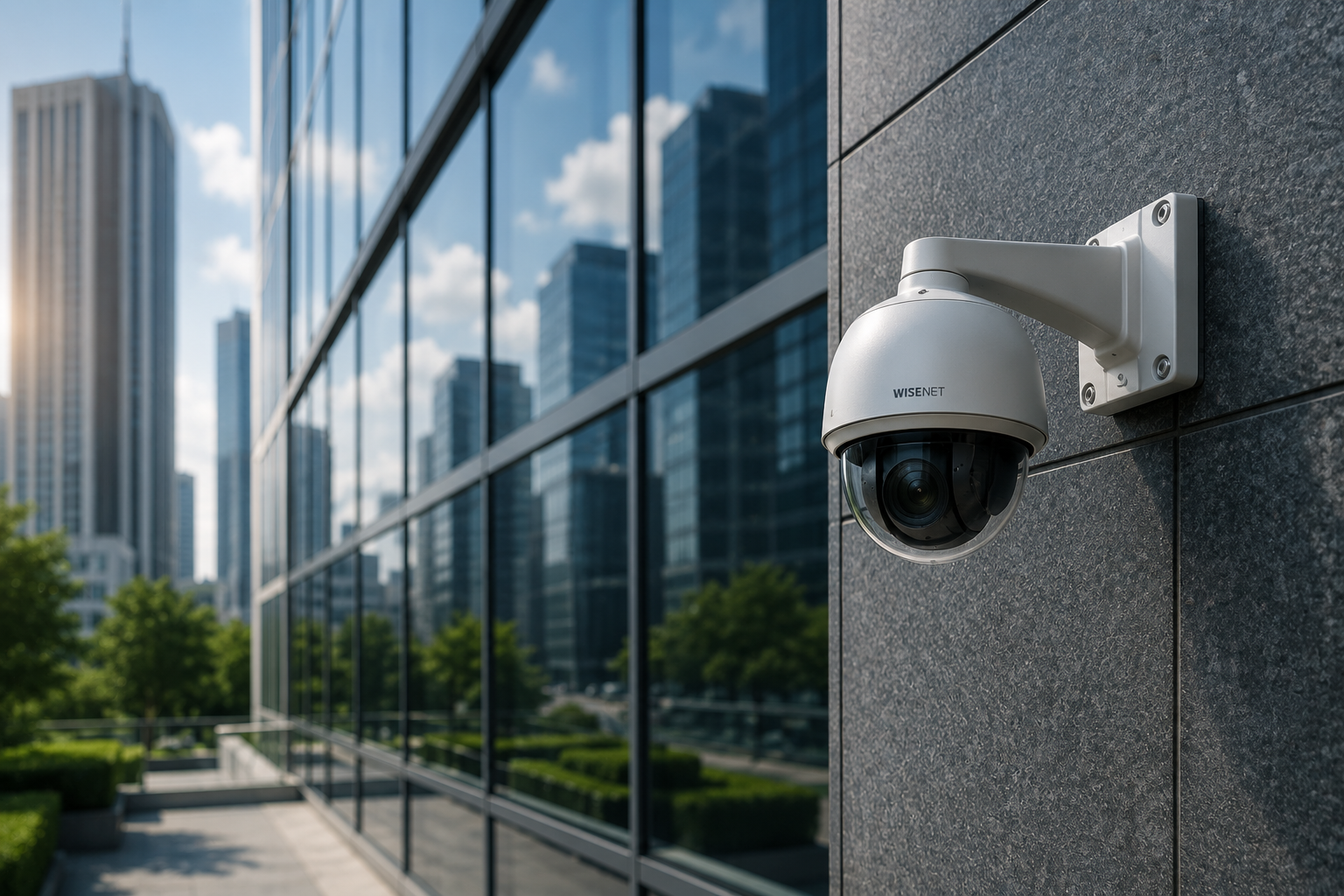
Commercial Video Surveillance
Camera Types and System Design Basics
Short Answer
Commercial video surveillance today almost always means IP (network) cameras rather than older analog CCTV, recorded to a network video recorder (NVR) or cloud storage, and managed through video management software (VMS). The right camera types and placement depend on what you’re trying to see — general activity, specific facial or license-plate detail, or wide-area coverage — not just how many cameras you can fit.
Common Camera Types
- Dome cameras: Discreet, vandal-resistant, common for indoor retail and office use
- Bullet cameras: Visible, directional, often used as a visual deterrent at entrances and parking areas
- PTZ (pan-tilt-zoom): Operator or auto-tracking control over large open areas like parking lots or warehouses
- Fisheye/360-degree: Wide-area coverage from a single camera, useful for large open rooms
Placement Actually Matters More Than Camera Count
A common mistake is over-investing in camera count while under-investing in placement. Entrances, points of sale, loading docks, and parking lot chokepoints typically matter more than blanket coverage of low-risk interior areas. Camera height, angle, and lighting conditions determine whether footage is actually useful for identification after an incident — a camera aimed into direct sunlight or backlight often captures a silhouette instead of a usable image.
Resolution and Storage Tradeoffs
Higher resolution captures more detail but consumes significantly more storage and bandwidth. Areas needing facial or license-plate identification (entrances, cash handling areas) generally justify higher resolution; wide general-coverage areas can often use lower resolution without losing practical value. Storage retention length is also a real decision — many businesses default to 30 days, but insurance requirements or incident investigation timelines sometimes call for longer.
Remote and Monitored Options
Beyond passive recording, some systems support live remote monitoring, where a monitoring center actively watches feeds and can intervene — including live audio warnings to deter an intruder in real time — rather than only providing after-the-fact footage.
Getting Started
HCI Systems designs and installs IP video surveillance and video management systems across California, from single-site retail to multi-location enterprise deployments.
Frequently Asked Questions
Should I upgrade old analog cameras to IP cameras?
In most cases, yes — IP cameras offer better resolution, remote access, and easier integration with access control and analytics, though a hybrid approach is sometimes used during a phased upgrade.
How long should I retain video footage?
30 days is a common default, but check with your insurance carrier and consider your own incident-investigation needs — some businesses in high-liability industries retain footage longer.
Can surveillance cameras trigger alerts automatically?
Yes, many modern systems support motion-based alerts, line-crossing detection, and even license-plate recognition that can trigger notifications without a person actively watching the feed.