
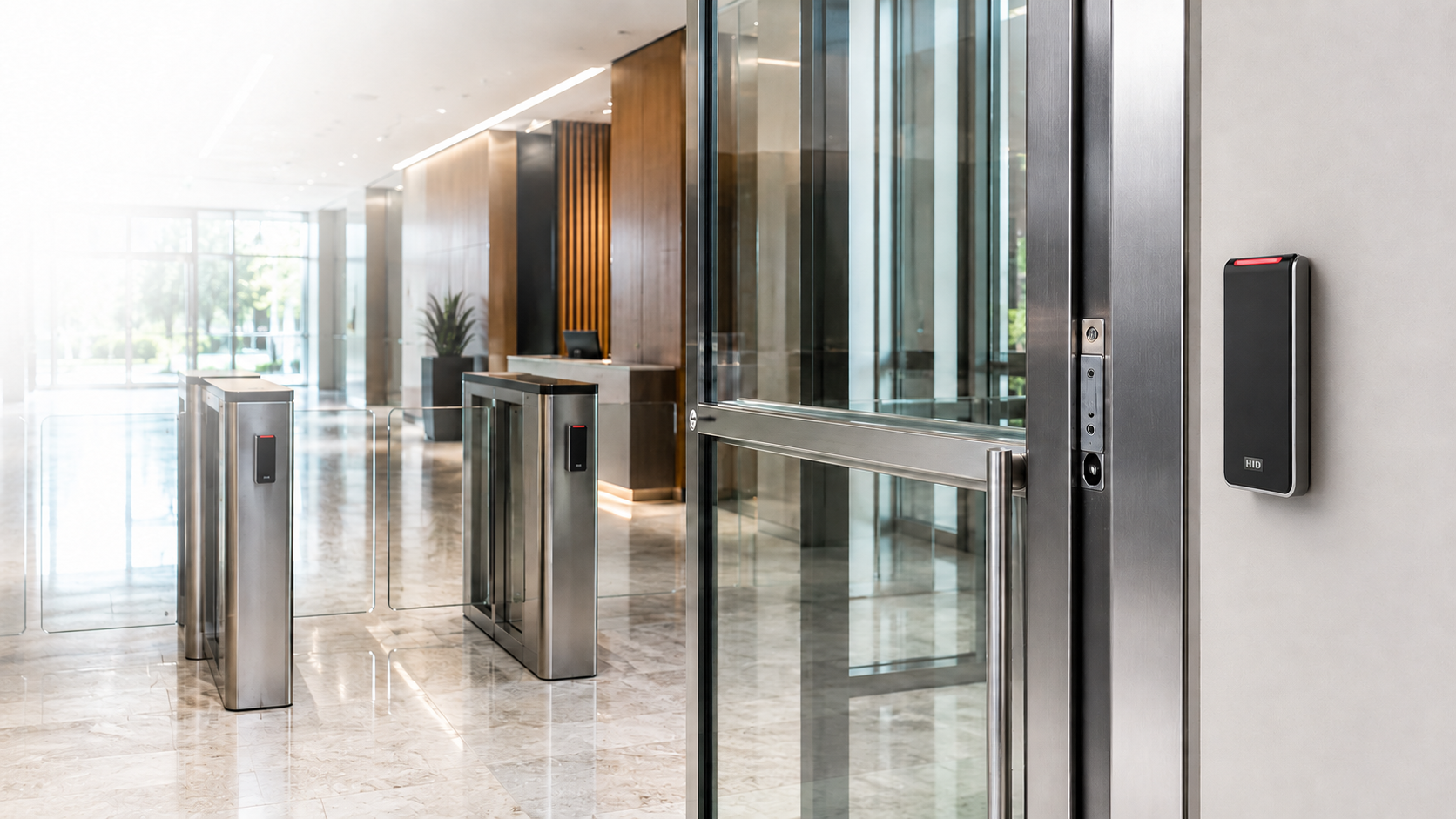
Access Control Systems 101
Choosing the Right Solution for Your Business
Short Answer
Access control replaces or supplements traditional keys with credentials — key cards, fobs, mobile credentials, or biometrics — that electronically unlock doors and log who went where and when. The right system depends on your building size, number of doors, and whether you need cloud-based remote management or a fully local, on-premise setup.
Types of Access Control Systems
- Standalone/local systems: Self-contained per door, no network required — simple but harder to manage across multiple entries
- Networked on-premise systems: Centralized management from a local server, common for single-site buildings
- Cloud-based access control: Managed remotely from any device, no local server hardware required — well suited to multi-location businesses
Credential Types
Modern systems support several credential types, often in combination: proximity cards and fobs, mobile credentials via smartphone app, PIN codes, and biometric readers (fingerprint or facial recognition) for higher-security areas. Mobile credentials have become increasingly common since they eliminate the cost and hassle of physical card reissuance when an employee loses one.
Cloud vs. On-Premise: The Real Difference
On-premise systems require a local server and typically an on-site specialist to manage day-to-day changes like adding or revoking access. Cloud-based systems let you manage credentials remotely from any device — useful if you have multiple locations or need to revoke a departing employee’s access immediately without being on-site. The tradeoff is an ongoing subscription cost versus a larger upfront hardware investment.
Visitor Management
For facilities with regular visitor traffic, integrating visitor management with access control means guests can be checked in, issued a temporary credential, and tracked for the duration of their visit — rather than having an unmonitored guest wandering a building on an honor system.
Planning Your System
Start by mapping which doors actually need controlled access versus which don’t — over-securing every interior door adds cost and friction without meaningfully improving security. A site assessment identifies your real vulnerable points: exterior entries, server rooms, record storage, and after-hours access zones.
Getting Started
HCI Systems designs and installs access control and visitor management systems across California, from single-door standalone setups to multi-site cloud-managed deployments.
Frequently Asked Questions
Is cloud-based access control less secure than on-premise?
Not inherently — reputable cloud access control platforms use encrypted communications and don’t store raw credential data in a way that’s meaningfully less secure than a local server, while offering easier remote management.
Can I keep some doors on standalone locks and others on the networked system?
Yes, many buildings use a mix — high-traffic or high-security doors on the networked system, lower-priority doors on standalone locks.
How long does access control installation typically take?
It varies significantly by door count and whether it’s new construction or retrofit, but a site assessment will give you a realistic project timeline before work begins.